1
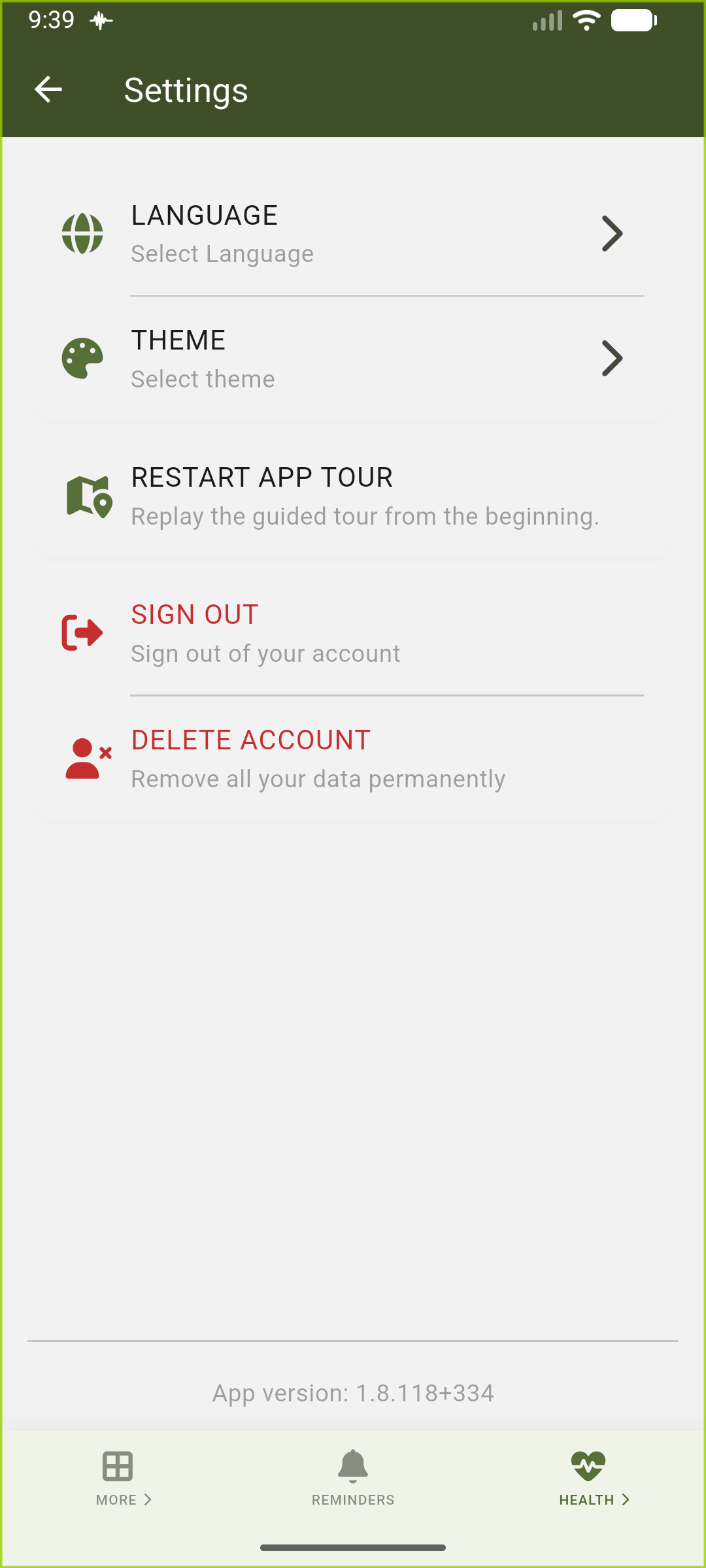
Access the settings screen
Navigate to the settings screen and tap on 'Delete account' to begin the deletion process.
Account deletion
Permanently remove your VidaLog account and associated data
See howFollow these two screens to permanently remove the account you are signed into.
Navigate to the settings screen and tap on 'Delete account' to begin the deletion process.
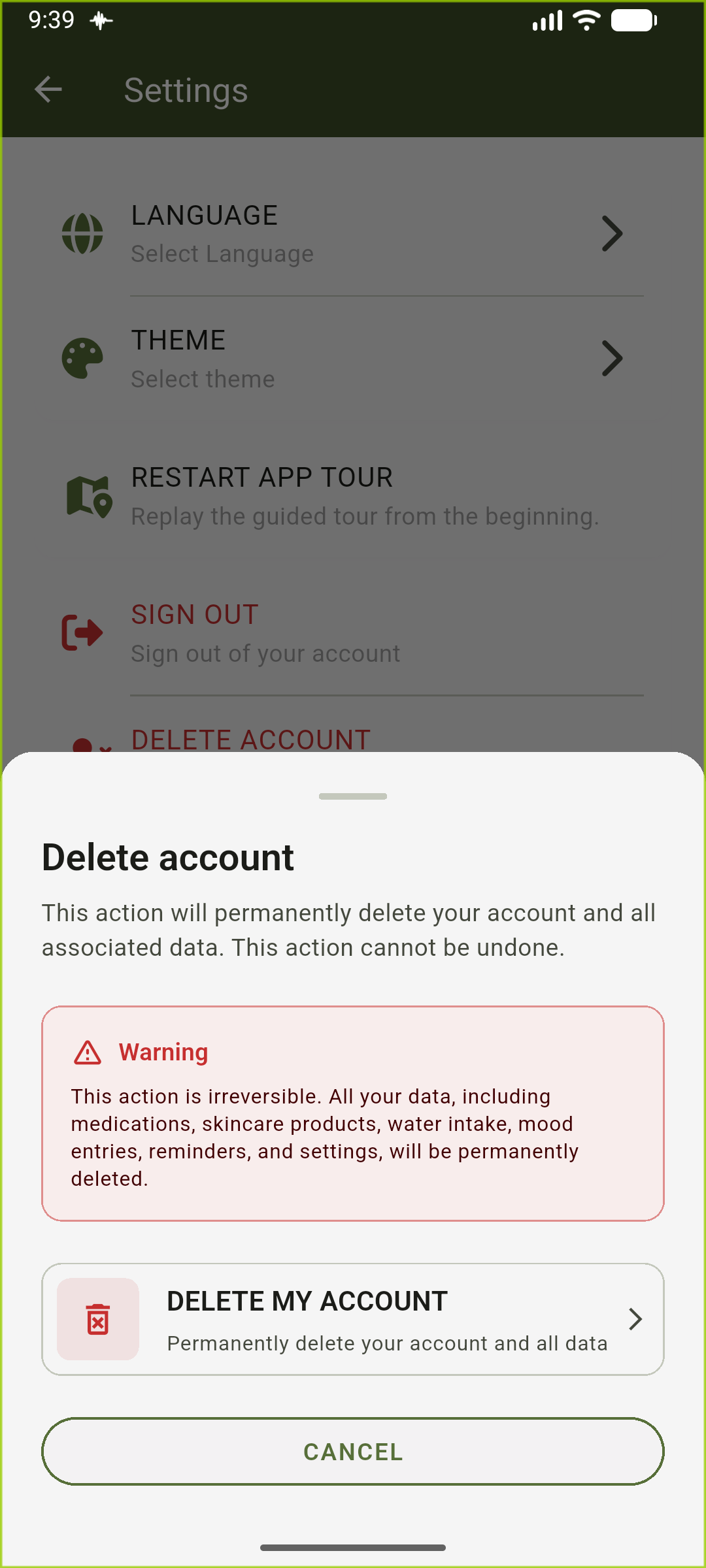
Review the warning message carefully and tap 'DELETE MY ACCOUNT' to permanently remove your account and all data.
Deletion scope
A verified request deletes the VidaLog account and associated medication, skincare, water, mood, reminder, profile, dependent, pet, and settings data.
Limited retention: Limited billing, security, legal, dispute, or processor-backup records may remain only for the period required for those purposes.
Can't access the app?
Use this option if you cannot sign in. We verify account ownership before processing the request.